
Hyperlocal SEO for Small Businesses: Neighborhoods, Zip Codes and Suburbs
Hyperlocal SEO for small businesses: a true page for every neighborhood, suburb and town you serve, how near me search works, and how to build area pages.

On this page
- What Is Hyperlocal SEO?
- Why Does a Small Area Matter if Nobody Searches for It?
- How Does "Near Me" Search Work for a Local Business?
- What Should a Service Area Page Say?
- How Many Area Pages Do I Need?
- How Do I Set Service Areas in Google Business Profile?
- How I Build Area Pages With Local Sites Pro
- Which Towns Ring? The Weekly Check
- Other ways to do this, and what they cost you in hours
- Quick Checklist
- Final Thoughts
Hyperlocal SEO means a page for every neighborhood, suburb and small town you work in, not one page for the big city. Here is how it works for a small business, what a good area page says, and how to build them yourself.
What Is Hyperlocal SEO?
Hyperlocal SEO is local SEO aimed at the small places inside and around your city: neighborhoods, zip codes, suburbs and the towns you drive to for jobs. Instead of one page that says "we serve the whole metro", you have a page for each area you work in, and each page says something true about that place.
I often get asked about this by owners. Is a page for a town of a few thousand people worth it in 2026? Will Google show me for "near me" when I'm across town? Isn't a page per suburb a bit spammy?
Here is a number from our own sites. One small-town plumbing page, for a town of about a thousand people, showed for 78 different queries and 23,168 impressions in about 100 days. An impression is one time your page appeared in someone's Google results.
This post is for the owner of a plumbing, roofing, HVAC or cleaning company who wants more calls from nearby towns and is tired of paying Angi, Thumbtack or Local Services Ads per lead.
So, in this post I will cover why small areas matter, how "near me" search works, what a good service area page says, your Google Business Profile service areas, and how to build and check these pages yourself.

Why Does a Small Area Matter if Nobody Searches for It?
People do search for it. A keyword tool does not show it.
Keyword tools show little or nothing for most small towns and neighborhoods. So a lot of your competitors never write a page about them. They write one page for the big city name, where most plumbers in the county fight for the same spot.
The town of a thousand people I mentioned above is Summerton, SC. One plumbing page for it picked up 78 queries, most of them a job plus the town name. I break that page down in my post on multiple keywords in one title tag.
You also don't need big numbers to get calls. A one-service AC repair site in Mesa, AZ took 69 calls from 1,627 impressions and 2 clicks in 90 days. Individual results vary.
And one job is worth real money. The median plumbing job quoted on our recorded calls is $225, and roofing is $850. Individual results vary.
So a small-town page does not need thousands of visitors. It needs to be the one page Google has for that town and that job when someone picks up the phone.
How Does "Near Me" Search Work for a Local Business?
When someone types "plumber near me" on a phone, Google uses where that phone is. Your page does not need the words "near me" on it to show up.
As I understand it, Google weighs three things for local results: how well your business matches the search, how close you are, and how well known you are. You can't move your shop closer to every customer. You can make it clear which places you serve.
In practice that means:
- A Google Business Profile with the right service areas. This is what shows in the map results.
- A page on your website for each area. The town or neighborhood name in the page title, the H1 (the main heading on the page) and the copy, plus real detail about the place.
On my data sites I go further and put the town, "near me" and the zip code in the homepage title. The Summerton page had all three in its title. I can't prove from one page that "near me" in the title helped by itself, but it costs nothing to test.
Near me SEO is mostly this: make sure that wherever the phone is, Google has a page of yours about that place.
What Should a Service Area Page Say?
A service area page is a page on your website for one town, suburb or neighborhood you work in.
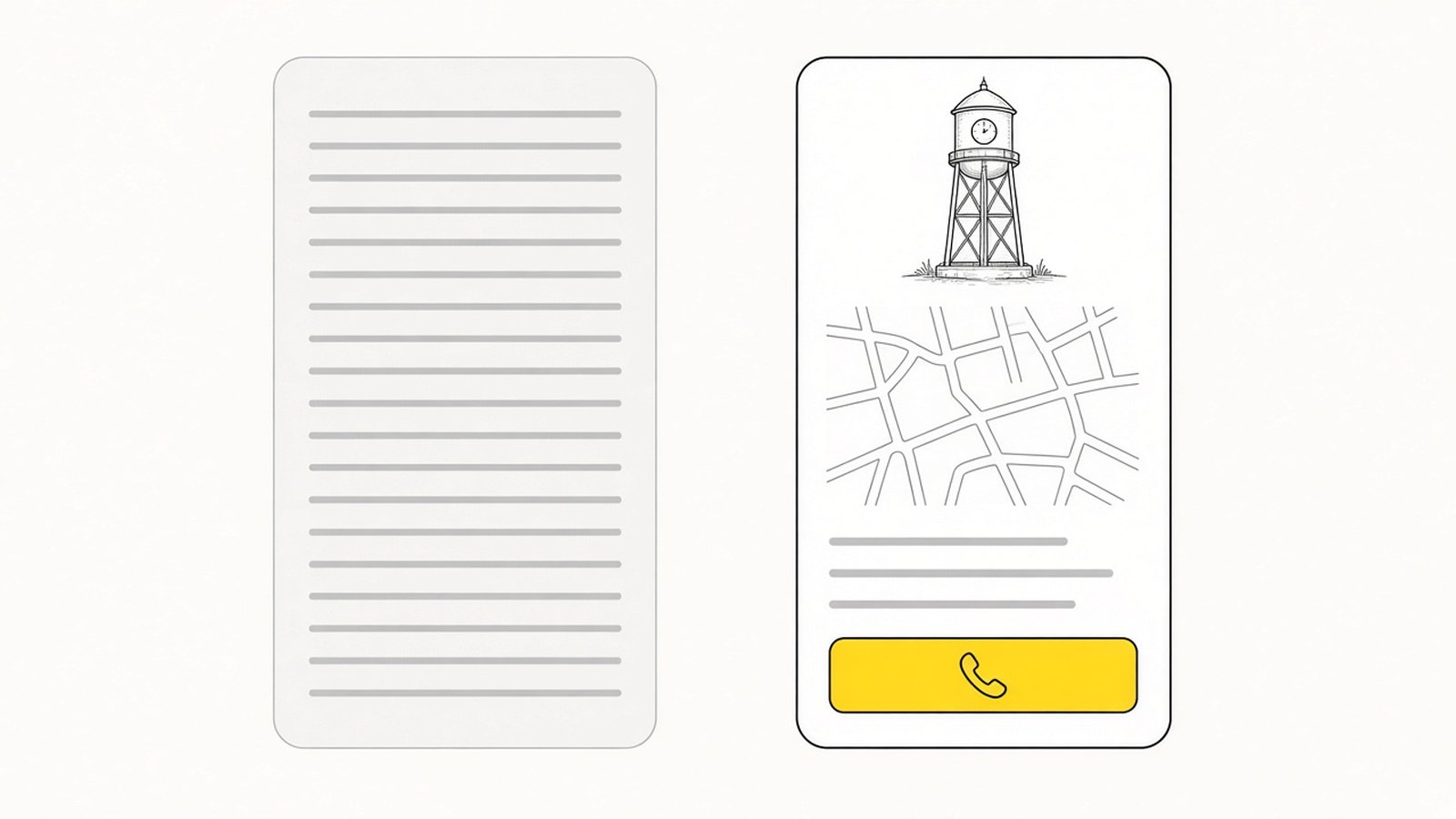
The cheap version is a thin copy. Same text on every page, only the town name swapped. "We offer the best plumbing in [Town]. Call us today." Build 30 of those and Google sees one page written 30 times. It has no reason to rank any of them.
A real area page says things that are only true about that place:
- The neighborhoods or suburbs inside the area, by name. People search their own part of town.
- Landmarks people use for directions: the main road, the school, the shopping center.
- The climate and what it does to the job. Frozen pipes in a cold winter, an AC working hard all summer, storm season for a roof.
- The houses. Older homes, new builds, slab foundations, well water, septic. Whatever you see there.
- Which of your services you do there. Not every service in every town.
- Proof from that area: a job you did there, a photo, a review from a customer in that town. Only real ones.
- The call button with your number.
Thin: "We serve Springfield." Real: "We cover the north side of Springfield, most of our calls come from the older streets near downtown, and a lot of those homes still have the original pipes."
That example is made up for this post. Yours should come from your own jobs. You say these things to customers on the phone every day.
One honest rule: don't build pages for places you don't go. A caller you have to turn away is a wasted call.
My guide on location pages that rank goes deeper on the page itself.
How Many Area Pages Do I Need?
One for every area you serve and want calls from. Not one more.
Here is how I'd build the list:
- Write down every town you drove to for a job in the last year.
- Add the neighborhoods inside your main city that people name when they call.
- Mark the ones where you already get work. Those go first.
- Mark the ones close to you where no competitor has a page. Those go next.
That list is your area page plan. My post on how to find keywords for local SEO shows how to turn a service list and a town list into pages.
If you cover a whole state, a single-state site with a page per city is the other way to do it.
How Do I Set Service Areas in Google Business Profile?
Google Business Profile is your listing on Google Maps and in the map results. For a hyperlocal setup it needs to agree with your website.
If customers don't come to your address, you are a service area business. In the profile you can hide your address and list the areas you serve instead, by city or zip code.
What I'd do:
- List the same areas in the profile that you have pages for on your site.
- Keep your business name, address and phone number the same everywhere. That is called NAP, and it matters for directory listings too. My guide on local citations covers it.
- Link the profile to your homepage, and make sure the homepage links to every area page.
- Ask customers for reviews and ask them to mention the town. Never write reviews yourself.
The profile gets you into the map results. The area pages back it up, and they rank for searches the profile can't cover on its own.
Hyperlocal marketing also covers flyers and local groups. This post is the search part, which keeps working when you stop paying.
How I Build Area Pages With Local Sites Pro
You can do this yourself. Local SEO is not that difficult any more. Building the website, the service pages, the area pages, the schema and the optimizing can be automated.
In Local Sites Pro you enter your niche, your city, your company name and your phone number. Then you pick your services and service areas, or let the AI suggest them. In about ten minutes you have a live site: a homepage, one page per service, one page per area, FAQs, schema and internal links between them. Schema is code that tells Google what your business is and where it works.
For US and Australian cities, the copy is enriched with local data: neighborhoods, landmarks and climate. So every area page starts from the place, not from a copy with the name swapped.
Every page is editable in the dashboard, so you can add a real job, a photo or a review from that town. You can add more area pages later, when you start going somewhere new.
What else matters to an owner:
- Hosting is free on your own Cloudflare account, forever. No hosting bill, no plugin updates, nothing to hack, nothing to speed up.
- Call buttons use the number you enter. A call tracking number works, so you can see which calls came from the site.
- AI cost runs on your own OpenRouter key, typically under $1 a site.
- Starter is $15 one-time for 3 sites. Pro is $119 a year for unlimited sites, a launch price (regular $219). Details on the pricing page.
Or skip the dashboard. Through the MCP, you can chat with Claude or ChatGPT in your own language. Something like "add a page for the town next to mine, we go there every week for drain jobs" is enough to start. Claude works out of the box. ChatGPT needs Developer Mode turned on.
Which Towns Ring? The Weekly Check
Search Console is Google's report on how your site shows up in search. It shows impressions, clicks and position for every page, so each area page gets its own numbers.
Here is how I run it. Connect Search Console to Local Sites Pro in one click. Connect the MCP at https://app.localsites.pro/api/mcp to Claude or ChatGPT. Then set a scheduled check every week. Claude pulls the queries with gsc_performance, finds pages with impressions and few clicks with gsc_opportunities (positions roughly 8 to 20), and proposes new titles, H1s or a new page for a town that is picking up searches. Then it waits for your yes before it runs update_page_content and publish_website. Claude proposes, you approve. In the words I use with owners: "the website keeps getting better while you are on the job."
What I look for in the weekly report:
- A town page with impressions and almost no clicks. The title needs work. Put the job and the town first.
- A town page with nothing after a couple of months. Add real detail about the place, or accept that town is quiet.
- A town that rings. Add pages for the neighborhoods inside it.
Put that next to your call log from the tracking number, and you know which towns pay.
Other ways to do this, and what they cost you in hours
You can build hyperlocal pages without my tool. Here are the honest routes for one site with a page per area.
| Route | What you do | Hours (my estimate) | Ongoing | Where it falls short for local SEO |
|---|---|---|---|---|
| Vibe code it with Claude or ChatGPT | Prompt page by page, get HTML or a React app, buy a domain, set up hosting or Cloudflare Pages yourself, add images, forms, schema and a sitemap, then repeat per service and per town | 8 to 15 hours for a 15 to 25 page local site (my estimate) | Fixes every time you want a new page | No service area structure, schema or internal links unless you ask for each one, and you do the hosting |
| Lovable or a similar AI app builder | Get a fast first page, then build out the rest | 4 to 8 hours (my estimate) | A monthly subscription | Good for an app, but a local lead site needs 20 to 40 interlinked pages with local copy, schema and a call button on every one |
| WordPress plus a theme | Hosting, theme, page builder, SEO plugin, security plugin, backups, then write every page | 10 to 20 hours to launch (my estimate) | An hour or two a month to keep it updated and patched (my estimate) | Hosting is yours to pay, and every area page is written by hand |
| Hire a local SEO agency | Brief them and wait a few weeks for launch | A few of your hours (my estimate), plus a few weeks of waiting | Typically a setup fee plus a monthly retainer, ask for the number | The pages are written by someone who has never been in your truck or your towns |
| Local Sites Pro | Enter niche, city, company name and phone, pick services and areas (or let the AI suggest them) | About ten minutes to a live site with homepage, service pages, area pages, FAQs, schema and internal links, on your own Cloudflare account | Starter $15 one-time for 3 sites, Pro $119 a year unlimited, edits in the dashboard or by chat through the MCP, Search Console in one click | The local detail is a starting point: your own jobs, photos and reviews still make the page |
The honest reading is that every route works if you do the work. The difference is hours, and whether the site keeps getting better after launch through the Search Console and MCP loop, or just sits there.
Quick Checklist
Final Thoughts
Hyperlocal SEO comes down to a page for every place you work, saying what is true about that place, with your number on it. Small towns are where a lot of your competitors don't bother, and one page for a town of a thousand people still showed up 23,168 times.
So build the list of towns, give each one a real page, and let the weekly check tell you which ones ring. A lead you buy is gone when you stop paying. A site you own keeps ringing.
Google can only send you calls from places it knows you serve. Give every town you drive to its own true page.
Comments
Or discuss it in the Skool communityNo comments yet. Ask a question or share what you tried, and I will reply here.