
Location pages for every service in every area you serve.
Local Sites Pro builds a page for each service, each service area and, on single-state sites, each city. Every page is written for its place, linked to the rest of the site and live in about ten minutes.
One-time $15 · No hosting fees · Your keys, your CloudflareLocation pages are local landing pages that target one service in one place, such as a service area page for a nearby suburb or a city page on a statewide site. Local Sites Pro is a programmatic SEO tool that generates them as part of a complete site: one page per service, one page per service area, internal links between them, and schema. US and Australian cities get enriched local data, such as neighborhoods, landmarks and climate, written into the copy.
City name swapped into a template vs a page written for the place.
Most programmatic SEO for local businesses is one page duplicated with the city name changed. That is easy to spot, for readers and for search engines.
| City name swapped into a template | Page written for the place | |
|---|---|---|
| Copy | Same paragraphs on every page, one word changed | Written for each area by AI, page by page |
| Local detail | None beyond the city name | Neighborhoods, landmarks and climate for US and Australian cities |
| Services | One generic service list | Services you pick, or ones the AI suggests for the niche |
| Internal links | Often orphaned pages | Linked from the homepage, service pages and other areas |
| Schema and FAQs | Often missing | Schema and FAQs generated with the site |
| Editing | Change the template, change every page | Edit any single page, meta tags included, then republish |
No tool can guarantee rankings. Unique, useful pages give each location page a fair chance. Updated Sep 2026.
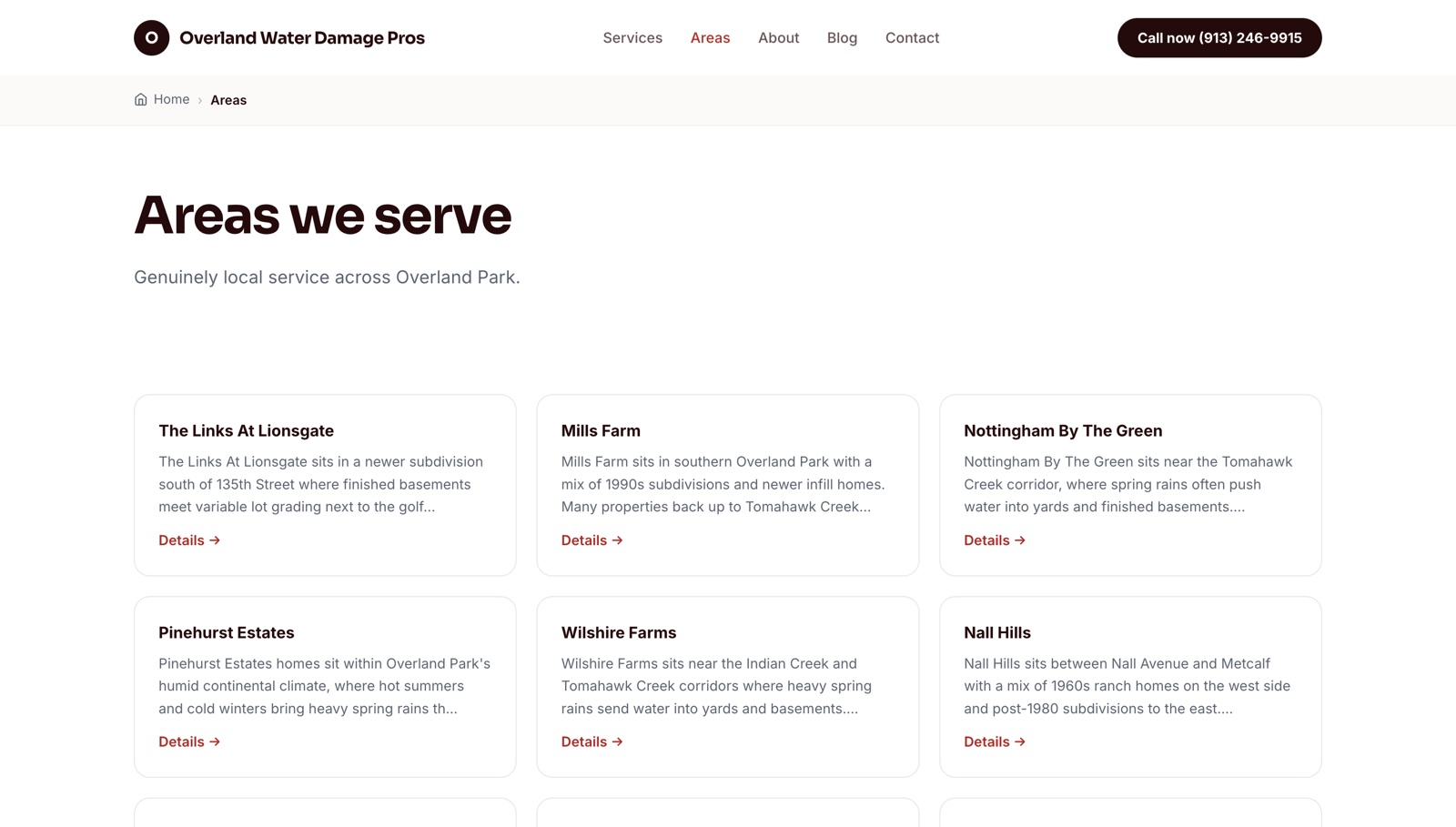
Service area pages, service pages and the links between them.
Enter a niche, a city or a whole state, a company name and a phone number. Pick the services and areas, or let the AI suggest them.
- Homepage for the main city
- One page per service
- One page per service area
- Blog posts and FAQs
- Schema markup
- Homepage for the state
- A page per city in the state
- Service pages
- Internal links between pages
- Call buttons with your number
- AI images and styling
- Editable content and meta tags
- Hosted on your Cloudflare
What makes a service area page useful?
A reader in Lakewood wants to know you work in Lakewood and understand it. For US and Australian cities, each area page draws on enriched local data, so the copy can mention the neighborhoods, landmarks and climate that matter to the service instead of repeating the same paragraph with a new name.
- Local data for US and Australian cities
- Any service niche, any country
- Every page editable in the dashboard
Every location page is linked, none are orphaned.
The homepage, service pages, service area pages and blog posts are generated with internal links between them. The structure is built with the site, so you do not wire it by hand, and you can add more pages later.
See every feature
How to build location pages with a programmatic SEO tool.
- 1
Choose the scope
A single city with its service areas, or a whole state with a page per city.
- 2
Pick services and areas
Select them yourself or let the AI suggest the services and nearby areas for the niche.
- 3
Generate and preview
Pages, copy, images and links build in the background. Preview the design before you publish.
- 4
Publish and track
The site deploys to your Cloudflare. On Pro, Search Console shows which location pages earn impressions and clicks.
Programmatic SEO, done by someone who runs the sites.
Location page questions.
What are location pages in SEO?
Location pages are pages that target a service in a specific city, suburb or area. They help a business show up for searches like "roofer in Aurora" when it serves more than one place.
Is programmatic SEO still worth it for local businesses?
Yes, when each page is useful on its own. Pages that only swap the city name are thin. Pages written for the place, with local detail and real internal links, give each location a fair chance to rank.
How many service area pages should a local site have?
One for each area you actually serve. Local Sites Pro lets you pick the areas or have the AI suggest them, and you can add pages later.
Can I build a page for every city in a state?
Yes. Single-state sites include a page per city, with internal links between the pages.
Do location pages work outside the US?
Yes. Any service niche in any country. US and Australian cities also get enriched local data such as neighborhoods, landmarks and climate.
What does a programmatic SEO tool cost?
Local Sites Pro is $15 one-time for 3 websites, or $119 per year for unlimited websites on Pro. AI content runs on your own OpenRouter key, typically well under a dollar per site.