
How AI Helps Small Businesses With Local SEO, and What It Should Never Do
What AI does for a local business today, what it should never do, and one Claude session from a plain request to a live site, plus a weekly check you approve.
On this page
- What Can AI Do for Local SEO Right Now?
- What Should AI Not Do for a Small Business?
- How Do You Build a Website With Claude?
- A Week Later: AI Local SEO That Keeps Working
- Does ChatGPT Work Too?
- What Does AI for Small Business Marketing Cost Here?
- Other ways to do this, and what they cost you in hours
- Quick Checklist
- Final Thoughts
What AI does for a local business today, what it should never do, and what one session with Claude looks like: a plain request in, a live local website out, and a weekly check that proposes changes and waits for your yes.
What Can AI Do for Local SEO Right Now?
I often get asked this by business owners. Can AI build my website? Can it do my SEO? Is it safe to let it touch anything?
AI local SEO is using an AI assistant like Claude or ChatGPT to do the slow parts of getting a local business found on Google: writing the pages, building the site and reading the search data. SEO means search engine optimization, the work of getting your site shown when people in your area search for what you do. As of October 2026, this is ordinary work for AI, and it is what I use on my own sites.
Forget the robots and the predictions. Here is what AI does for a plumber, a roofer or a cleaning company today:
- Writes the pages in your words. You tell it what you do, the way you would tell a customer. It turns that into a homepage, a page per service and a page per town.
- Suggests services and areas. You give it your trade and your city. It suggests the jobs and the nearby towns, and you cross off what you don't do.
- Builds the site. Pages, internal links between them, schema and images. Schema is a bit of code that tells Google your business name, phone, services and area in a format it reads directly.
- Reads Search Console. Search Console is Google's free tool that shows which searches your site appeared for, how often, and at what position. AI can read it every week so you don't have to.
- Proposes title changes. When a page gets shown a lot and clicked a little, AI drafts a better title for you to approve.
- Drafts the FAQ from the phone. You tell it the questions customers ask you. It writes the answers in your words for you to check.
Number 6 matters more than it looks. In the recorded plumbing calls on our sites and our members' sites, quote shopping is the top reason people call, about 40% of calls. Scheduling comes next, and emergencies are about 12%. Individual results vary. So most callers want a price or a time. An FAQ that answers "how much" and "how soon" matches what people ask. I go through the phone as a keyword source in my post on how to find keywords for local SEO.
So in this post I will cover what AI should not do, one full session from a plain request to a live site, the weekly check, ChatGPT, the cost, and the other ways to get the same site.
What Should AI Not Do for a Small Business?
AI writes well and fast. It also makes things up when you leave a gap. On a local business site, some gaps are dangerous.
Never let AI do these:
- Invent reviews. Fake reviews are fake, whoever writes them. Put your real Google reviews on the site, or none.
- Invent licenses or certifications. If it writes "licensed and insured" or names a certification, check that it is true for you. Delete it if it isn't.
- Promise prices. "Water heater install from $X" is a promise a customer will hold you to. Give price ranges only if you set them yourself.
- Make up job photos. AI images can decorate a page. Before and after photos have to come from your real jobs.
- Publish without you. AI drafts. You approve. That rule runs through everything below.
AI is good at the writing and the structure. The facts about your business have to come from you.
How Do You Build a Website With Claude?
Here is how a session goes, start to finish. This is an example, not a customer story: say you run a small plumbing company in Boise, Idaho.
You open Claude with the Local Sites Pro MCP connected. MCP stands for Model Context Protocol. It is the connector that lets Claude use Local Sites Pro's tools on your behalf, like building a site or reading Search Console. You connect it once at https://app.localsites.pro/api/mcp, with a one-click sign in or an API key from your account page.
Then you type, the way you talk:
I'm a plumber in Boise, Idaho. Company name is [Your Company], phone [your number]. I do water heaters, drain cleaning, leak detection, sump pumps, garbage disposals and gas lines. I also drive to Meridian, Nampa, Eagle and Kuna. Build me a website, and show me what it will cost before you start.
You can type it in your own language if English isn't the one you think in.
What happens next:
- Claude runs a dry run first. The create_website tool has a dry run mode that returns the build brief and the cost before anything is created. You see the services, the towns and the pages it plans.
- You correct it. "Drop gas lines, I don't do those any more. Add Star." Claude updates the plan.
- You say go. Claude runs create_website for real. Most sites are live in about ten minutes, with a homepage, one page per service, one page per town, FAQs, schema, internal links and AI images. Boise and its towns get local detail like neighborhoods, landmarks and climate written in, because US and Australian cities are enriched with local data.
- You check it. Open the site on your phone. Tap the call button. The call buttons use the number you entered, so a call tracking number works there.
- You fix what reads wrong. "On the water heater page, say we do tankless too, and take out the line about 24/7. We close at 6." Claude edits with update_page_content.
- You add the phone FAQ. "Add these to the FAQ: do you charge to come out, can you come today, how long does a water heater install take. Leave the prices out, I'll quote on the phone." Claude drafts, you read it.
- You publish. Edits are not live until publish_website runs. You say yes, and it runs.
The site sits on your own Cloudflare account. Free fast hosting on Cloudflare, forever. No hosting bill, no plugin updates, nothing to hack, nothing to speed up. You own the site.
That is the whole build, in about a dozen messages. Everything Claude did, you can also do in the Local Sites Pro dashboard, where every page is editable. The chat is the faster way in if you would rather talk than click. The step by step is on the how it works page, and the Claude setup is on the Claude website builder page.

A Week Later: AI Local SEO That Keeps Working
A website that launches and sits there is a brochure. The part that makes AI useful for local SEO is what happens after launch.
Connect Search Console to Local Sites Pro in one click. Connect the MCP (https://app.localsites.pro/api/mcp) to Claude or ChatGPT. Then set a scheduled check every week. Claude pulls your searches with gsc_performance, and runs gsc_opportunities to find pages with impressions and few clicks, usually sitting around positions 8 to 20. An impression is one time your page was shown in Google's results. Claude proposes new titles, new H1s (the main heading on a page) or a new page, and waits for your yes before it runs update_page_content and publish_website. In plain words: the website keeps getting better while you are on the job. Claude proposes, you approve.
A weekly message from Claude might read like this, in the Boise example:
Your water heater repair page in Nampa is showing up on page two with almost no clicks. Proposed title: "Water Heater Repair in Nampa, ID - Tank and Tankless". Proposed H1 to match. Sump pump searches are showing up in Eagle and you have no Eagle sump pump page. Want me to create one? Reply yes to apply, or tell me what to change.
You reply from the truck. "Yes to the title. Hold the Eagle page." That is it.
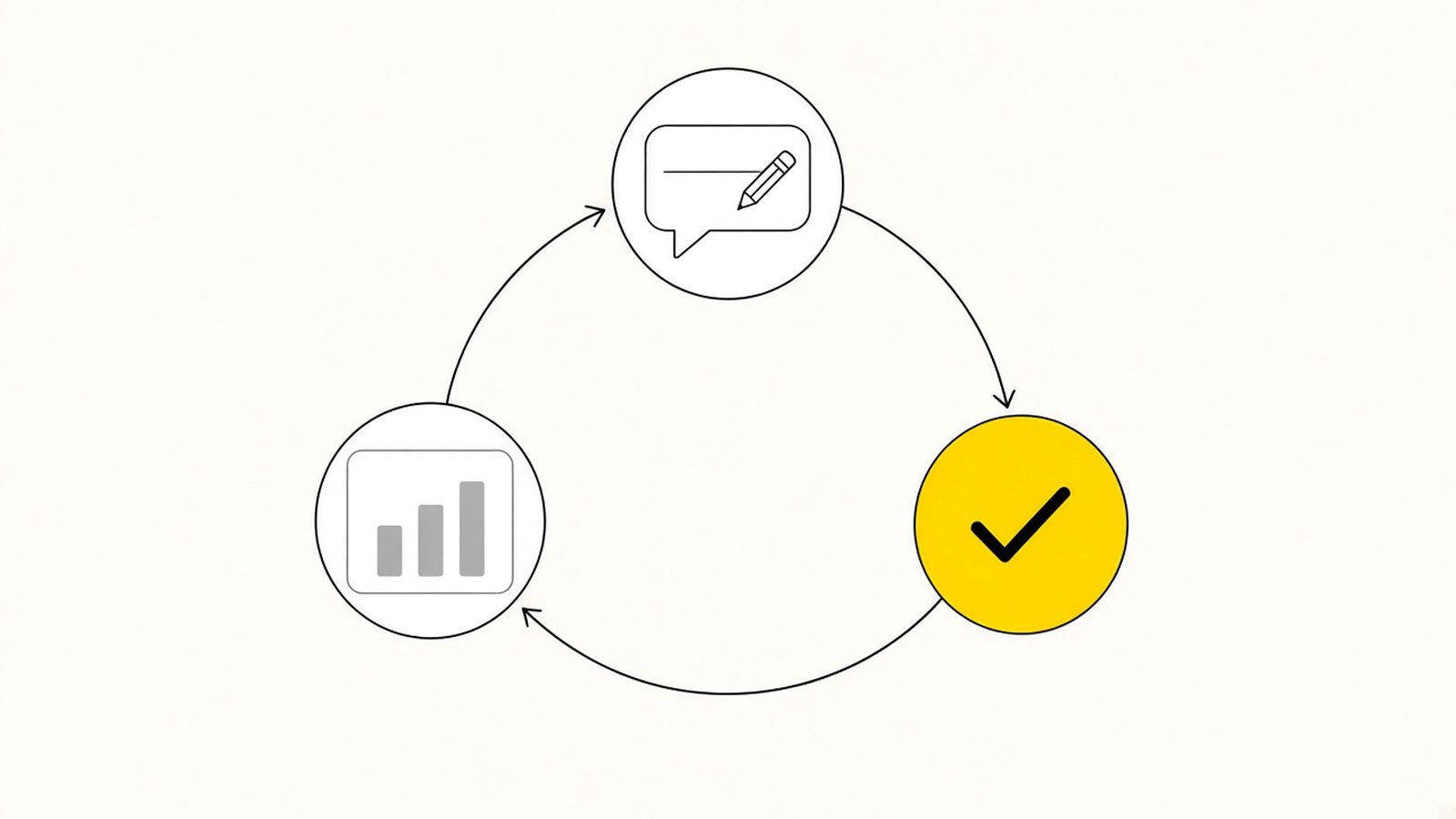
Why weekly? A new site moves around a lot in its first weeks, and the title you launch with is a guess. After a few weekly checks it is data. One small-town plumbing page of ours showed up for 78 different searches once every sub-service was in its title. The full story is in my post on multiple keywords in one title tag.
Don't judge the site on clicks alone. A one-service AC repair site of ours in Mesa, AZ took 69 calls from 1,627 impressions and 2 clicks in 90 days. Individual results vary. Watch the calls.
Does ChatGPT Work Too?
Yes. The same MCP works with ChatGPT, with one extra step: ChatGPT needs Developer Mode turned on before it can connect. Claude works out of the box, in claude.ai, Claude Desktop and Claude Code.
Use the one you already pay for. The tools are the same either way. Setup for each is on the ChatGPT website builder page and the MCP page.
What Does AI for Small Business Marketing Cost Here?
A lot of AI for small business marketing is sold as one monthly bill. This setup splits into a few separate costs, and you can see each one:
| What | Cost |
|---|---|
| Local Sites Pro, Starter plan | $15 one-time, 3 sites |
| Local Sites Pro, Pro plan | $119 a year, unlimited sites (launch price, regular $219) |
| AI writing | Runs on your own OpenRouter key, typically under $1 a site |
| Hosting | Free, on your own Cloudflare account |
| Claude or ChatGPT | Whatever plan you already have |
The dashboard shows the exact AI spend per site. Full details are on the pricing page.
Other ways to do this, and what they cost you in hours
There are a few ways to get a local website built with AI, or without it. They differ mostly in your time.
| Route | What you do | Hours (my estimate) | Ongoing | Where it falls short for local SEO |
|---|---|---|---|---|
| Vibe code it with Claude or ChatGPT | Prompt page by page, get HTML or a React app, buy a domain, set up hosting or Cloudflare Pages yourself, add images, forms, schema and a sitemap, then repeat per service and per town | 8 to 15 hours for a 15 to 25 page local site (my estimate) | Fixes every time you want a new page | No service area structure, schema or internal links unless you ask for each one, and you do the hosting |
| Lovable or a similar AI app builder | Describe the site, get a fast first page, build out the rest | 4 to 8 hours (my estimate) | A monthly subscription | Good for an app. A local lead site needs 20 to 40 interlinked pages with local copy, schema and a call button on every one |
| WordPress plus a theme | Hosting, theme, page builder, SEO plugin, security plugin, backups, then write every page | 10 to 20 hours to launch (my estimate) | An hour or two a month to keep it updated and patched (my estimate), plus a hosting bill | Every page is yours to write, and the site is yours to keep safe and fast |
| Hire a local SEO agency | Brief them, approve drafts, wait a few weeks for launch | Your time briefing and reviewing, plus a few weeks to launch | Typically a setup fee plus a monthly retainer, ask for the number | The pages are written by someone who has never been in your truck |
| Local Sites Pro | Enter niche, city, company name and phone, pick services and areas or let the AI suggest them | About ten minutes to a live site | Starter $15 one-time for 3 sites, or Pro $119 a year unlimited. Hosting free on your own Cloudflare. Edits in the dashboard or by chat through the MCP | You still bring the real photos, the reviews and the facts about your business |
A word on vibe coding, because it is what a lot of owners try first. Vibe coding means asking Claude or ChatGPT to write the website code for you, prompt by prompt. It works, and the pages can look good. The trouble starts at page 15, when you need the same call button, the same schema and the same links on every page, plus a new page for every town, and each one is another prompt and another fix.
The honest reading is that every route works if you do the work. The difference is the hours, and whether the site keeps getting better after launch through the Search Console and MCP loop, or just sits there.
Quick Checklist
Final Thoughts
AI for a local business is a fast writer and a patient analyst. It works from what you tell it and what Search Console shows. You give it the facts about your business. It writes the pages, builds the site, reads the data every week and brings you proposals.
So keep the two rules. The facts come from you, and nothing goes live without your yes. Inside those rules, AI saves you the hours, and the site keeps getting better while you are out on jobs.
Let AI do the writing and the reading. You keep the facts and the final yes.
Comments
Or discuss it in the Skool communityNo comments yet. Ask a question or share what you tried, and I will reply here.